DNS Security
DNS security capabilities can provide additional controls for monitoring and protecting DNS communications. These capabilities are designed to help organizations reduce exposure to threats that use DNS infrastructure for malicious communication or unauthorized access.
Key Features
Section titled “Key Features”- Network segmentation
- Zone-based security policies
- Layer 7 traffic inspection
- Application control
- Deep Packet Inspection
- Intrusion prevention
- Threat signature-based detection
- DNS security capabilities
- Control of inter-zone communications
The configuration is performed in Services → DNS on the following tabs.
External DNS Servers
Section titled “External DNS Servers”Allows you to specify DNS servers located on external networks to resolve domain names requested by devices on local networks.
By default, no external DNS servers are configured. The DNS server resolves Internet domain names using root DNS servers. In most cases, the default settings are sufficient and do not require modification. If required, modify the external DNS server settings as follows:
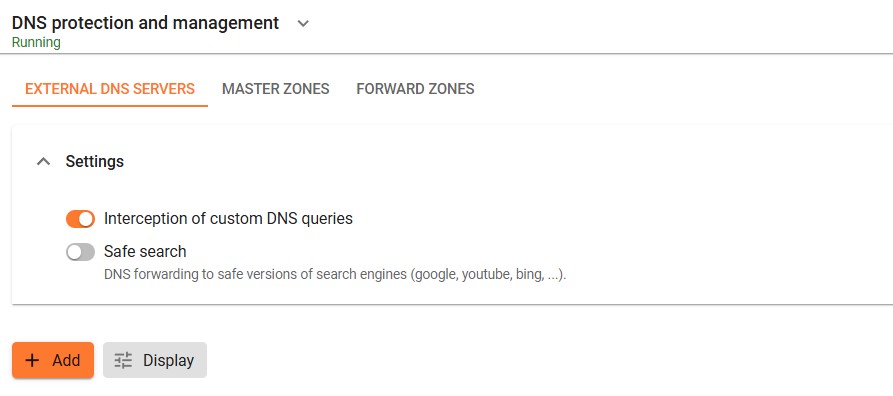
TKMT Risk Management Module Next Generation Firewall includes a built-in caching DNS server, which is recommended for use by local network clients. To configure it, assign the TKMT Risk Management Module Next Generation Firewall IP address as the DNS server for user devices.
If your Internet Service Provider (ISP) or upstream device blocks DNS queries, the default configuration using root DNS servers will not work. To resolve this issue, manually configure external DNS servers or specify the DNS servers provided by your Internet Service Provider:
-
Click Add.
-
Select Set manually to enter DNS server addresses manually, or select Use DNS assigned to connection and choose the appropriate network connection.
Master Zones
Section titled “Master Zones”Allows you to configure a fully functional DNS server that resolves domain names to the IP addresses of devices within the local network.
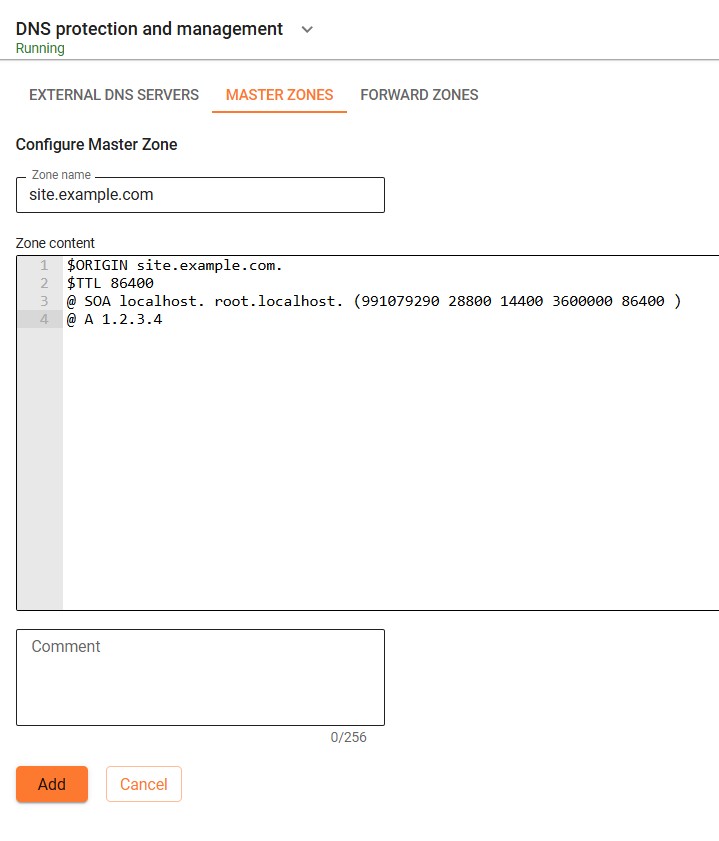
The Zone Name field must match the $ORIGIN value, excluding the trailing period (.).
Example:
- Zone Name:
168.192.in-addr.arpa $ORIGIN:168.192.in-addr.arpa.
Forward Zones
Section titled “Forward Zones”Allows you to configure third-party DNS servers located on local or external networks relative to the NGFW and define the specific DNS zones for which these servers are responsible. External DNS servers and forward zones can be configured and used simultaneously.
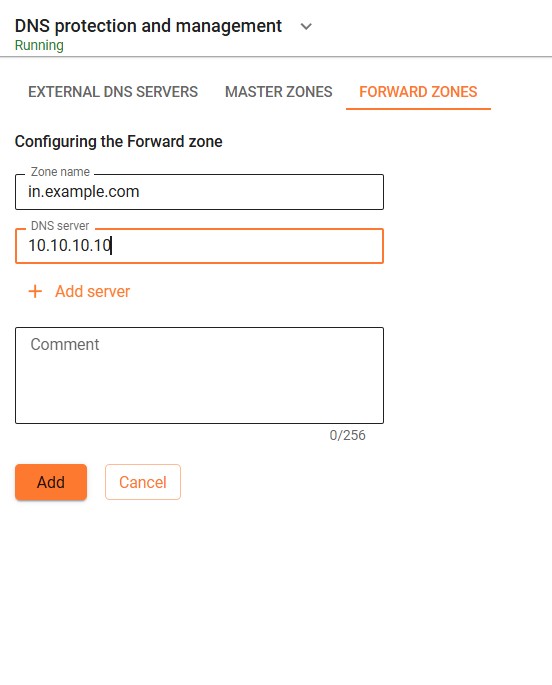
For example, the IT department of an enterprise provides resources to employees in the zone in.example.com under the names ralm1.in.example.com, sandbox.in.example.com, and uses the DNS server 10.10.10.10 for this. To be able to access these resources by domain names, specify the provider’s Forward zone as isp and then set the DNS server to 10.10.10.10: