NAT & Aturan Lalu Lintas
NAT (Network Address Translation) integration provides multiple rule tables to control traffic flowing through the TKMT Risk Management Module Next Generation Firewall.
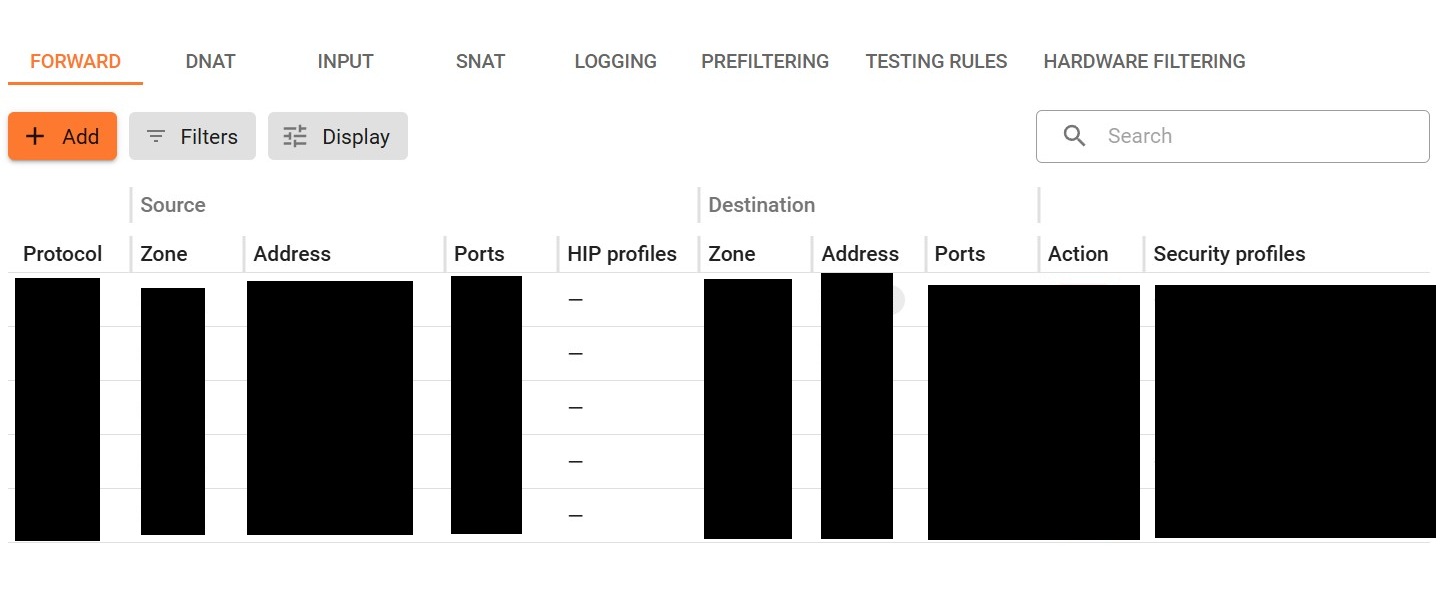
- FORWARD - rules apply to traffic flowing between different network zones, such as the internet and the local network, and between local networks. This is the primary table for configuring rules to control and restrict user traffic.
- DNAT - (Destination NAT) enables direct port forwarding from the external zone to resources within the internal zone. Referred to as port forwarding or port mapping rules.
- INPUT - rules for incoming traffic to the server, typically for accessing services hosted on the server, such as a mail server.
- SNAT - (Source NAT) rules for managing network address translation.
- LOGGING - allows you to flexibly select traffic for logging.
- PREFILTERING - allows you to block all traffic matching the table conditions before viewing Firewall tables (for example, FORWARD or INPUT). Use this section if you need packet filtering at the TCP/IP level.
- TESTING RULES - create and execute test cases to verify that rules configured in the FORWARD and INPUT tables operate as expected.
- HARDWARE FILTERING - allows you to configure packet traffic filtering based on the network, sender physical addresses and/or recipients.
Application Control
Section titled “Application Control”Performs Deep Packet Inspection (DPI) and application-layer traffic analysis. Layer 7 application identification enables administrators to create security policies based on applications rather than relying exclusively on traditional IP addresses, ports, and protocols, and provides greater visibility and control over applications operating within the enterprise environment.
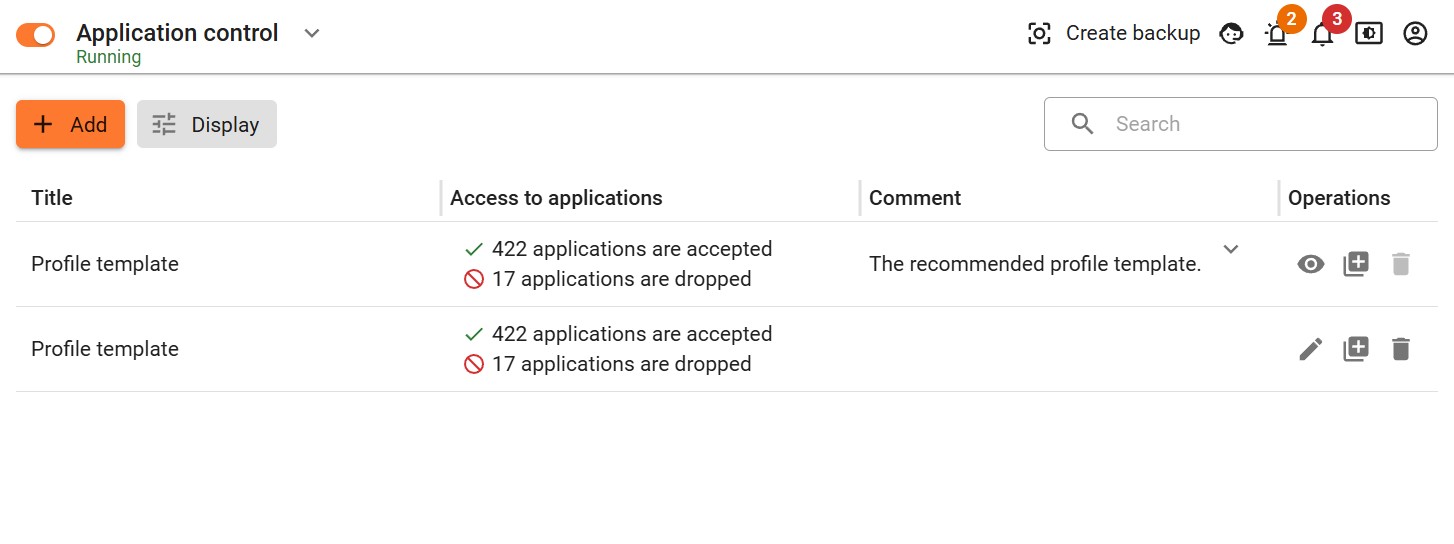
In Security Profiles → Application Control, you can create profiles that allow or block user access to a set of applications and protocols specified by the administrator. If disabled, no protocol detection is performed for traffic.